01 / EXPLORE
Follow the space.
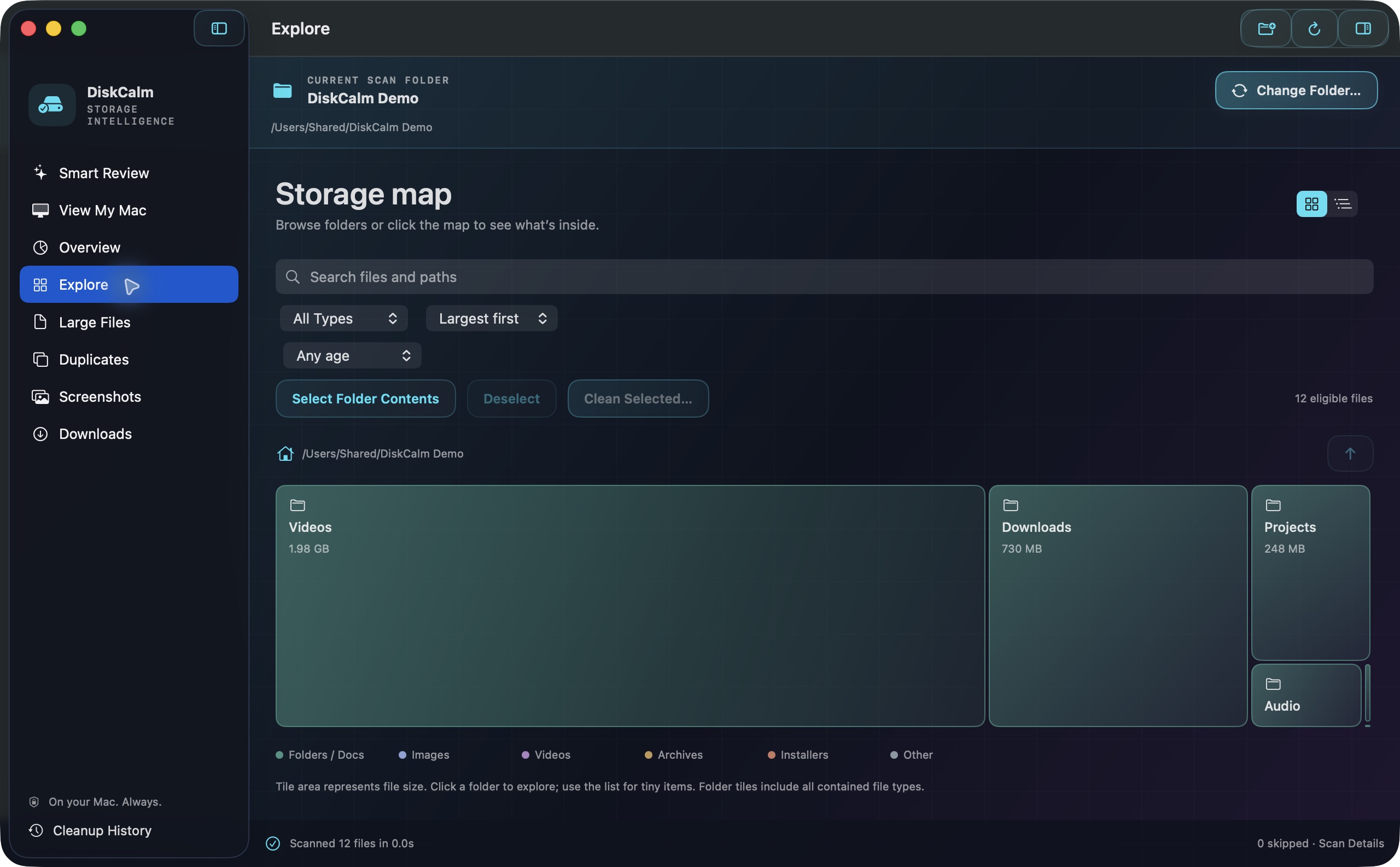
A visual storage map and expandable folder tree bring large files and their locations into focus.
See where your storage goes. Find extra copies. Make room for what matters — with your files staying on your Mac.
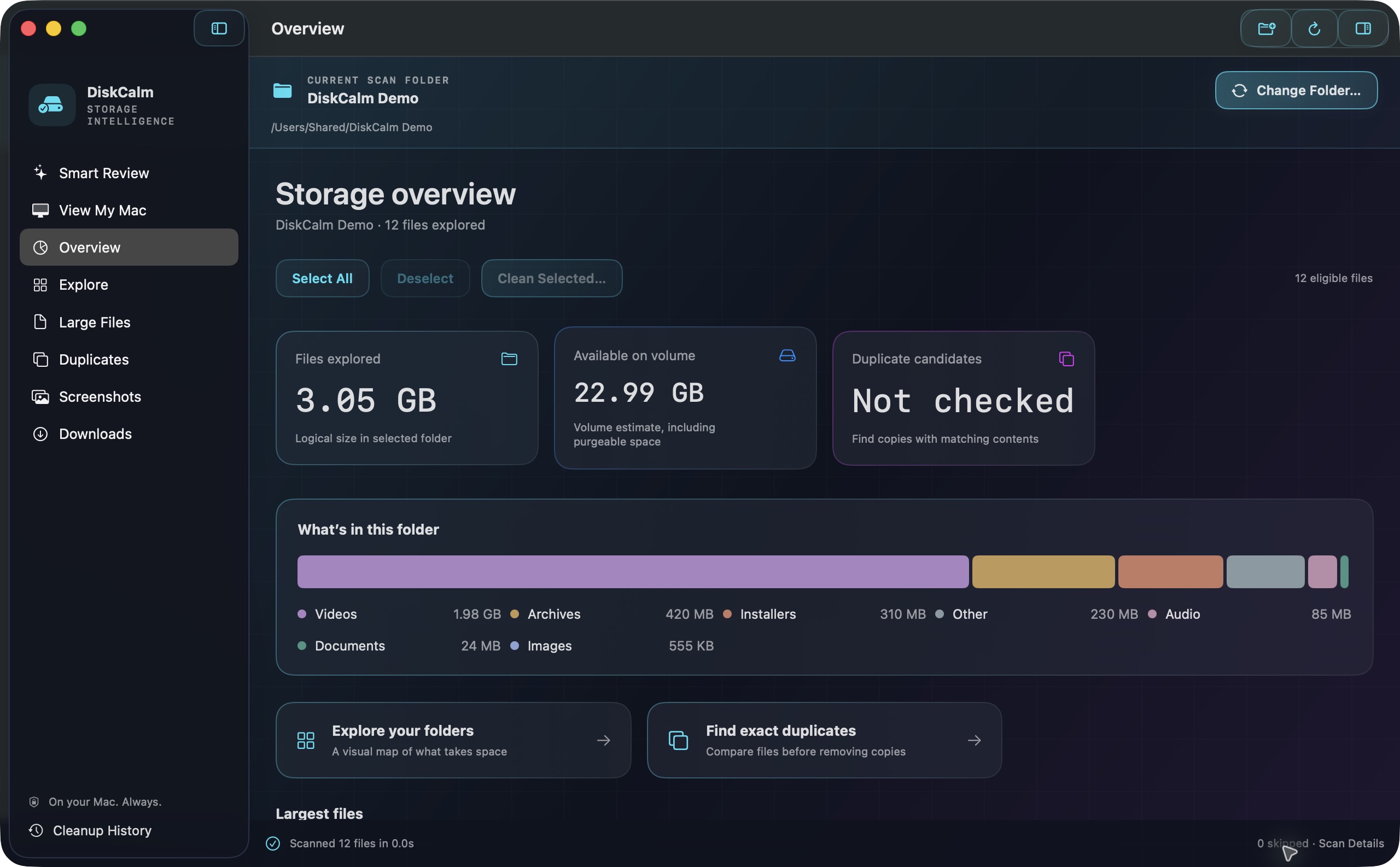
From the big picture to an individual file, understand what you have before deciding what to remove.
A visual storage map and expandable folder tree bring large files and their locations into focus.
Compare exact file contents. Select extra copies together and retain a matching keeper.
Search screenshot filenames and optionally recognize their text on-device. Your images stay local.
Smart Review brings old downloads, installers and archives together. Inspect a file in Finder or Quick Look, then review your selection before moving it to Trash.
Read our privacy policy ↗DiskCalm explores the locations you authorize.
Maps, filters and exact matches help you investigate.
Confirm every cleanup. Recover files through macOS Trash while they remain there.

Coming to the Mac App Store. $1.99 US, one purchase.
Regional prices may differ. Requires macOS 14 or later.
DiskCalm analyzes authorized folders. It does not clear RAM, remove system data or empty Trash. Storage estimates can differ from reclaimed space.